
Mouse Sensitivity, eDPI & Precision Aim Calibration Engine
Calculate true effective sensitivity, physical mousepad sweep distance, and mechanical friction requirements.
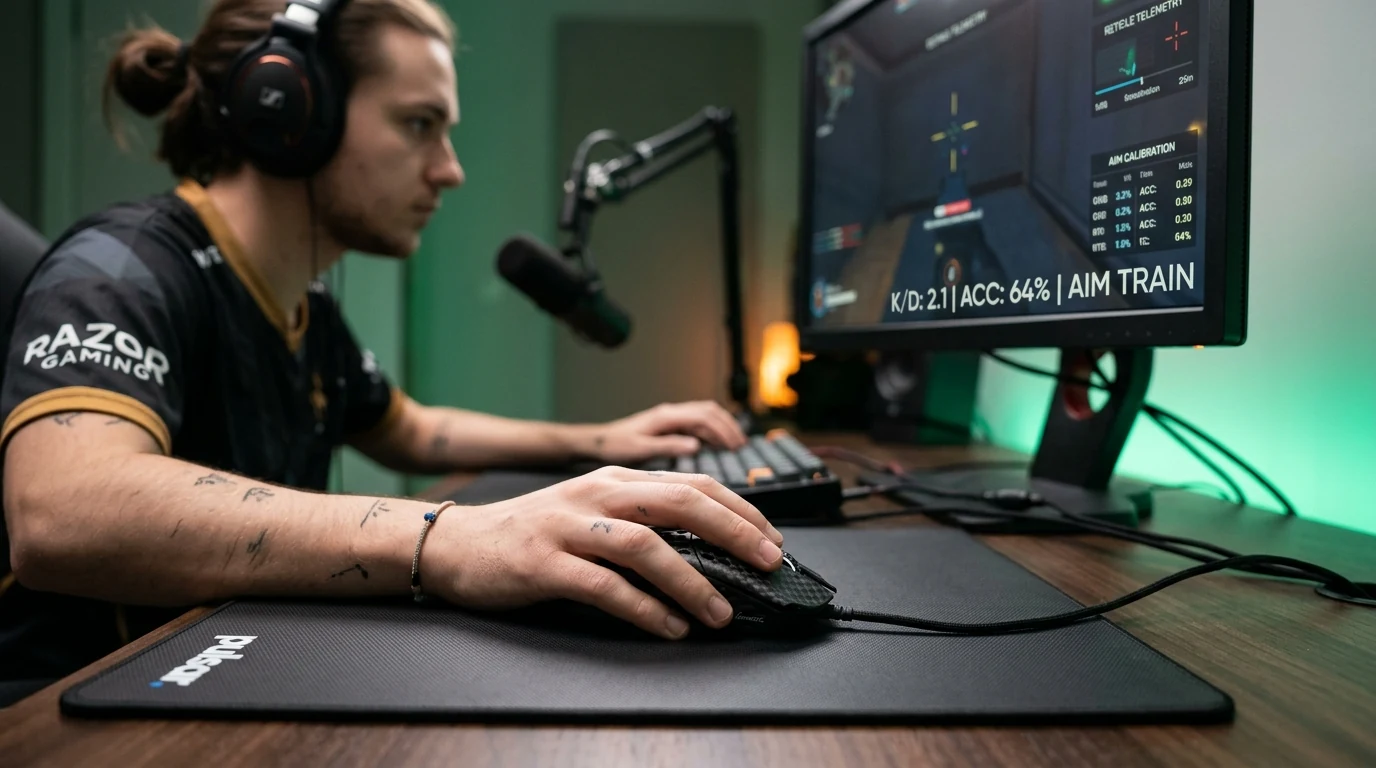
Mouse sensitivity defines the ratio between physical hand movement on a mousepad and cursor or in-game camera rotation. True effective sensitivity is calculated as eDPI (DPI × in-game sensitivity) or cm/360, representing the exact physical distance in centimeters required to complete a full 360-degree camera rotation in first-person titles.
What is Mouse Sensitivity and How is True eDPI Calculated?
Effective DPI (eDPI) normalizes sensitivity by multiplying your hardware Dots Per Inch (DPI)—technically designated as Counts Per Inch (CPI)—by the game's in-game multiplier. Modern high-end sensors like the PixArt PAW3395 optical sensor deliver high-precision tracking with sub-1% resolution variance. Before tuning in-game multipliers, verify hardware accuracy on our mouse DPI analyzer and calibration studio. Nominal factory ratings often deviate by 2% to 5% due to lens height, skate thickness, and surface weave compression.
For example, 800 DPI at 0.35 sensitivity in Valorant equals 280 Effective DPI, requiring exactly 46.6 centimeters of physical mouse travel for a full 360-degree turn. In Counter-Strike 2 on the Source Engine, that identical physical cm/360 turning distance corresponds to a sensitivity multiplier of 1.11 at 800 DPI.
Effective DPI & cm/360 Rotation Formula
Variable Definition & Units
Hardware counts per inch reported by mouse sensor.
In-game sensitivity slider value.
Engine constant: 0.022 (Source/CS2), 0.07 (Valorant), 0.0066 (Overwatch 2).
800 DPI * 0.35 Valorant Sens (Yaw 0.07) yields 360 / (800 * 0.35 * 0.07) * 2.54 = 46.6 cm/360.
Interactive Cross-Game Sensitivity Converter, eDPI & cm/360 Simulator
Converting sensitivity across titles requires balancing engine yaw variations using our universal cross-game sensitivity calculator. You should also ensure microswitches are not failing using our switch debounce latency test.
Discrepancies in camera perspective (Field of View or FOV) also influence perceived rotational speed. Maintaining identical cm/360 across games guarantees that fundamental motor coordination, target flicking, and angle clearing remain consistent regardless of which title you launch.
DPI vs In-Game Sensitivity: Finding Your Ideal Competitive Range
Esports athletes typically cluster between 35 cm/360 and 55 cm/360 for tactical shooters (CS2, Valorant), while arena shooters (Overwatch 2, Apex Legends) favor 25 cm/360 to 35 cm/360 for faster 180-degree target acquisition. Setting an excessively high sensitivity forces players into micro-wrist adjustments that increase fatigue and reduce long-range tracking stability.
Arm Aiming vs Wrist Aiming: Physical Mousepad Friction & Pad Sizing
Arm aimers utilize large desk pads (45cm–90cm) with low dynamic friction, while wrist aimers rely on higher static friction for micro-corrections. Virgin grade PTFE mouse skates provide smooth kinematic glide across hybrid cloth surfaces, eliminating static friction stick-slip during subtle crosshair micro-adjustments.
Large sweeping arm aiming for precise pixel crosshair placement in CS2 and Valorant.
Hybrid wrist/arm tracking for verticality and rapid target changes in Apex and Overwatch 2.
High-speed wrist rotation for arena twitch shooters with frequent 180-degree turn requirements.
Frequently Asked Questions About Mouse Sensitivity & Aim Tuning
01 What is the best hardware DPI for competitive FPS gaming?
Most competitive esports professionals calibrate between 800 and 1600 DPI. Operating at 1600 DPI delivers lower sensor input latency than 400 DPI while avoiding high-DPI firmware smoothing algorithms present above 3200 DPI on legacy sensors.
02 How do I convert my Valorant sensitivity to Counter-Strike 2?
Because Valorant operates on an engine yaw constant of 0.07 degrees and CS2 Source Engine uses 0.022 degrees, multiply your Valorant sensitivity by 3.181818 (or divide your CS2 sensitivity by 3.181818) to maintain identical cm/360 turn distance.
03 What is the difference between eDPI and cm/360?
Effective DPI (eDPI) is game-specific because different engines use different angular yaw multipliers. In contrast, cm/360 is a universal physical metric defining the exact distance in centimeters your hand travels to complete a full 360-degree turn.
04 Should I choose arm aiming or wrist aiming?
Arm aiming (typically 40cm to 60cm/360) utilizes the shoulder and elbow for large tracking sweeps and the wrist/fingers for micro-adjustments, offering greater precision in tactical shooters. Wrist aiming (20cm to 35cm/360) favors fast-paced arena shooters with vertical target transitions.