
Cross-Game Aim Sensitivity Converter & Universal cm/360 Calculator
Transfer exact muscle memory between Valorant, CS2, Apex Legends, and Overwatch 2 with zero angular error.
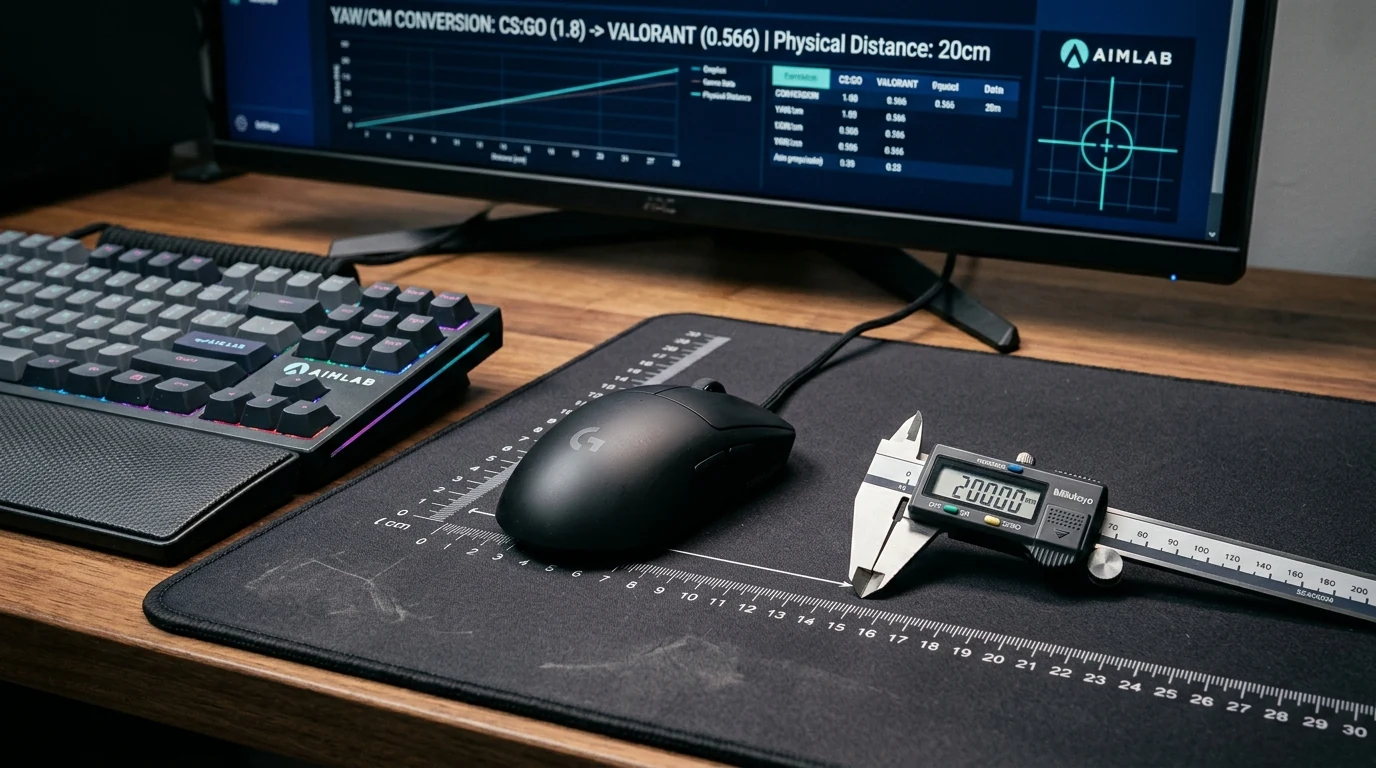
To convert aim sensitivity between competitive games, calculate each title's angular displacement using engine yaw constants. Converting from CS2 to Valorant requires dividing CS2 sensitivity by 3.181818, while converting from Valorant to CS2 requires multiplying by 3.181818, preserving identical physical cm/360 rotation distance across both titles.
How Do You Convert Sensitivity Between Valorant, CS2, Apex Legends & Overwatch 2?
Converting sensitivity between competitive titles requires matching physical cm/360 rotation. Calibrate hardware baseline first with our master mouse DPI analyzer, then verify with our eDPI and cm/360 rotation calculator.
Each major gaming engine implements its own internal angular multiplier (yaw constant) per raw hardware count report. When you move your mouse one count, the game engine rotates the 3D camera by Count × In-Game Sensitivity × Engine Yaw. By setting reciprocal ratios, physical hand travel remains constant across any two engines.
Cross-Game Angular Yaw Conversion Formula
Variable Definition & Units
Angular rotation per count in origin game.
Angular rotation per count in target game.
Converting CS2 Sens 1.50 to Valorant: 1.50 * (0.022 / 0.07) = 1.50 / 3.181818 = 0.471 Valorant Sensitivity.
Universal Cross-Game Sensitivity Converter & Angle of View Calculator
Physical tracking sensors report hardware pulses as Counts Per Inch (CPI), commonly referred to across consumer gaming as Dots Per Inch (DPI). Computing Effective DPI (eDPI = DPI × Sensitivity) establishes your normalized aim benchmark across titles. Converting this value into a cm/360 physical turn distance defines the exact centimeters of mousepad travel needed for a complete 360-degree rotation.
In Unreal Engine 4 and 5 environments (such as Fortnite, PUBG, and Valorant), yaw scalers diverge from Valve Source Engine defaults. Using web calibration tools powered by the W3C Pointer Lock API ensures zero cursor acceleration interference while verifying exact 1:1 angular translation. Double clicking or switch bouncing can also disrupt aim tracking; test switch health on our mouse switch debounce test.
Mathematical Yaw Constants: Source (0.022), Valorant (0.07), Unreal Engine
The Source Engine yaw constant of 0.022 degrees per count powers Counter-Strike 2, Team Fortress 2, and Apex Legends. In contrast, Valorant standardizes on a 0.07 degrees per count constant custom-engineered on Unreal Engine. Overwatch 2 utilizes an ultra-fine 0.0066 yaw constant, while Unreal Engine defaults to 0.05555.
Because of these mathematical discrepancies, simply copying a slider value from one game into another results in catastrophic muscle memory disruption. For instance, playing at 1.0 in CS2 yields 47.23 cm/360 at 400 DPI, whereas entering 1.0 in Valorant yields 14.84 cm/360 at 400 DPI—more than three times faster!
Resolution Scaling, Aspect Ratios & Field of View (FOV) Sensitivity Normalization
Aspect ratio adjustments (such as 4:3 stretched vs 16:9 native) alter horizontal angular perception on your monitor but do not modify true 3D camera turn distance. Calibrating across games ensures your motor coordination remains sharp regardless of resolution choice.
Similarly, Field of View (FOV) differences alter visual scale. When playing at 103° FOV in Overwatch 2 compared to 90° FOV in CS2, targets appear slightly smaller. However, matching your physical cm/360 ensures your hand travels the identical distance to flick onto a target at any relative angular offset.
Native angular displacement multiplier across Counter-Strike 2, Apex Legends, and TF2.
Engine yaw multiplier engineered on Unreal Engine 4 for tactical first-person combat.
Fine-grain yaw coefficient enabling sub-decimal angular precision in high-speed arena fights.
Frequently Asked Questions About Sensitivity Conversion & Aim Consistency
01 Does monitor screen resolution affect my in-game sensitivity?
No. In 3D first-person perspective engines, sensitivity operates on 3D angular coordinate rotation (yaw and pitch) rather than 2D screen pixels. Changing from 1080p to 1440p or 4K leaves your physical cm/360 turning distance identical.
02 Why does 4:3 stretched resolution feel faster horizontally?
Stretching a 4:3 image across a 16:9 display visually widens horizontal targets, increasing perceived on-screen velocity. However, your true physical mouse travel and 3D camera rotation angle remain mathematically unchanged.
03 How does Field of View (FOV) impact perceived aim sensitivity?
A wider FOV (e.g., 103° in Overwatch vs 90° in CS2) renders targets smaller and makes rotational speed feel slower to human visual perception, even when physical cm/360 rotation is calibrated with mathematical parity.
04 Can I convert sensitivity between Windows desktop and 3D games?
Desktop cursor movement is 2D planar translation (pixels per inch), while 3D camera aim is angular rotation (degrees per inch). Converting between them requires focal length matching at a specific monitor distance percentage (typically 0% or 75% MDH).